
IPTV Subscription UK: Compare Plans, Providers and Devices
Choosing an IPTV subscription in the UK is easier when you compare the details that affect everyday viewing: what a plan includes, which devices it supports, how payment works and where to get help. This guide explains what to check before you subscribe, with current British IPTV plan prices and practical questions to ask before paying.
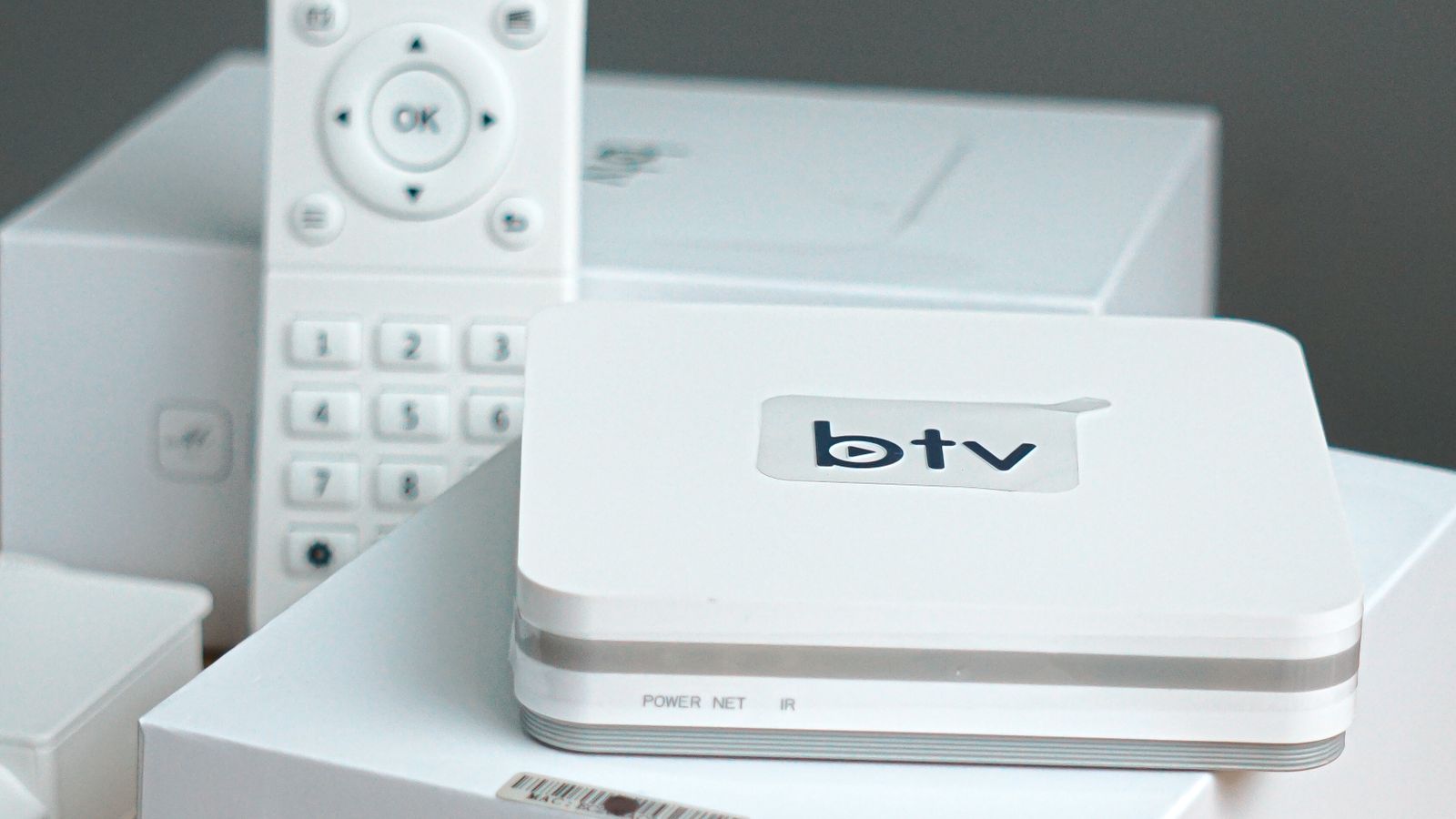
Use this guide to compare the service, device support, price and terms before ordering. Features and content access can vary, so confirm current details with the provider.
British IPTV advertises subscription plans at £13 for one month, £28 for three months, £36 for six months and £55 for twelve months. A trial may be available for around 5 to 24 hours depending on the current offer and availability. Check the pricing page and ask the team to confirm the plan, supported device and terms that apply to you before paying.
An IPTV subscription is not the same as an IPTV player app, a television set or a broadband contract. IPTV is the delivery of television content over internet networks. A subscription is the commercial arrangement that gives you access to a particular service; the app or device is the way you watch it.
What does an IPTV subscription include?
There is no universal bundle that every provider must include. Before paying, check whether the IPTV subscription includes the features you actually need, because plans can differ from one provider to another.
Ask for a plain description of the content categories available to you, any geographical limits, the supported picture formats, app requirements and the number of screens that can play at the same time. If a feature is described as optional, seasonal or subject to availability, ask whether it applies to the plan you intend to buy.
British IPTV plans: compare the actual cost
When comparing an IPTV subscription UK offer, look at the amount you pay today as well as the length of access. A longer plan may reduce the average monthly cost, but it also involves paying for a longer period before you know how often you will use the service. A good IPTV subscription should be evaluated against your own viewing needs, not only its advertised monthly equivalent.
- 1 month — £13: the shortest advertised plan and a straightforward way to assess compatibility and everyday use.
- 3 months — £28: a medium-length option for people who have already checked their device and setup.
- 6 months — £36: a longer access period; review the total amount and terms before choosing it.
- 12 months — £55: the longest listed plan; make sure you are comfortable with the full upfront payment and the stated terms.
These are the advertised British IPTV prices recorded when this article was updated. Confirm the live price, payment method, plan duration and any conditions on the current pricing page. A subscription term is not automatically a credit agreement, and an advertised monthly equivalent does not mean that instalments are available.
How to compare IPTV providers in the UK
Searches such as “IPTV provider”, “IPTV services”, “IPTV service UK” and “UK IPTV subscription” reflect a similar goal: finding a service that matches the viewer's needs. The useful comparison is not simply which page makes the biggest claims. It is which provider explains its terms clearly and can answer specific questions before payment.
- Content and rights: ask what is available in your location and whether the provider is authorised to distribute the content it offers.
- Price and duration: check the full cost, access period, renewal process and whether a plan renews automatically.
- Device support: confirm the exact TV model, operating system, streaming device or player application.
- Playback limits: ask how many registered devices and simultaneous streams are permitted.
- Support: check how to get setup help, report a fault and ask about billing or access.
- Refund and cancellation terms: read the published policy and save order confirmations and written answers.
People searching for “best IPTV UK”, “best IPTV provider UK” or “UK best IPTV providers” are often comparing several offers. Treat “best” as a personal decision rather than an objective badge. Create a short list of requirements, ask each provider the same questions and compare the answers. A high channel count or a confident headline does not by itself establish reliability, picture quality or content rights. When you search for the best IPTV UK option, treat this as a comparison task and verify every claim that matters to you.
What does “IPTV with subscription” mean?
Some people search for an “IPTV with subscription” because they are unsure whether to buy an app, a box or a service plan. These are separate things. A player may organise or play a stream but not supply the subscription or the rights to content. A compatible TV box may run an app but does not, by itself, include access to a service. Confirm what you are paying for and what must be installed separately.
Before you IPTV subscribe, ask for the required app name or installation method, how the login is delivered, and which settings are needed. Avoid giving payment details to an unfamiliar third party claiming to sell a provider's service unless you can verify that they are authorised to do so.
Check your Smart TV, IPTV box or streaming device
Device compatibility depends on the exact hardware, software version, player and service. Confirm that your intended IPTV subscription supports the exact model before buying new equipment.
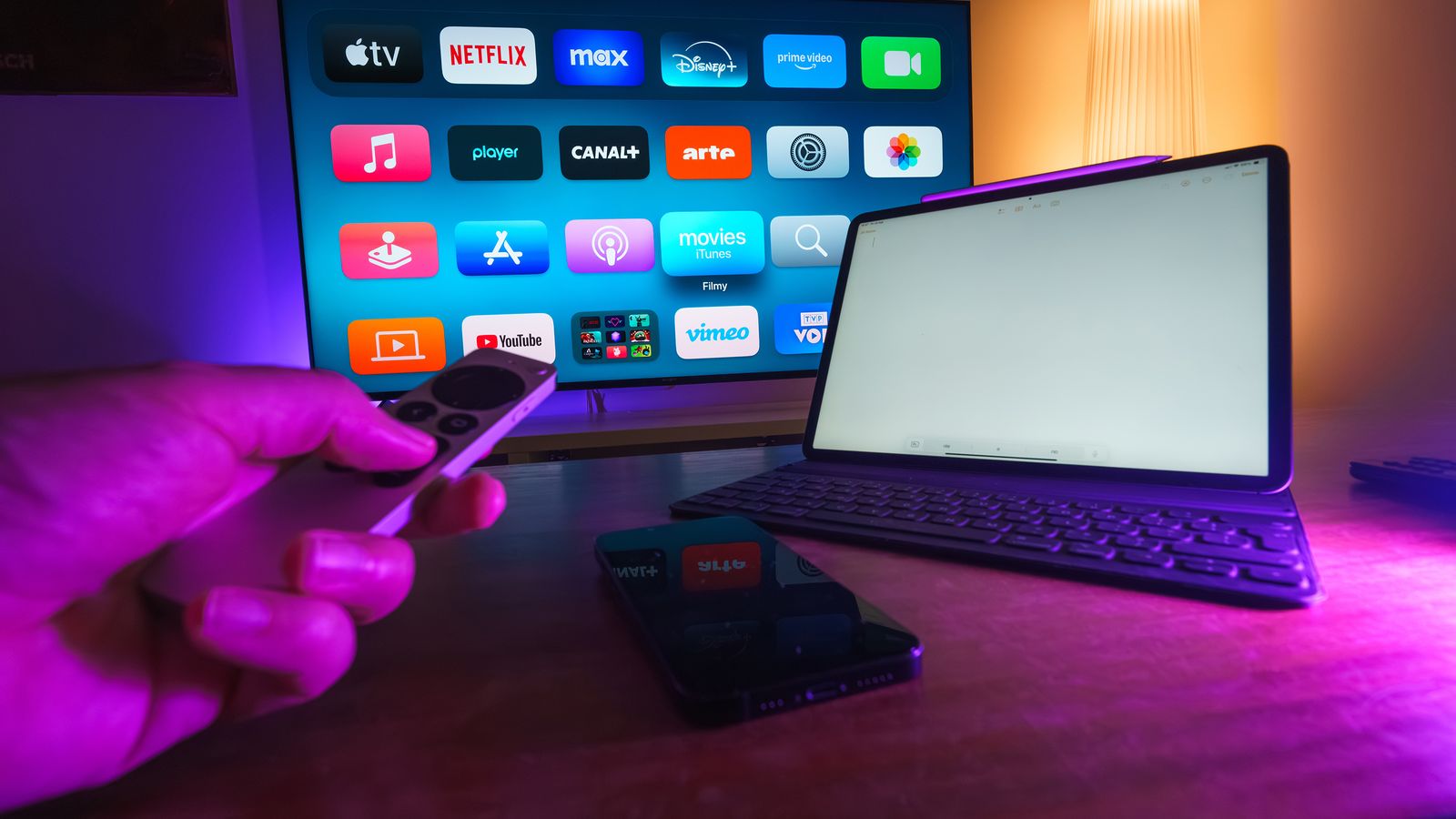
- Smart TVs: identify the model number and operating system; check whether the required player is available from a trusted source.
- IPTV box or set-top box: confirm the device's operating system, memory, network options and whether the provider supports the setup.
- Amazon Fire TV Stick: verify the app installation method and compatibility with your model before buying a new device.
- Apple TV, Roku and Android devices: ask about supported apps and limitations rather than assuming every player works on every platform.
- Phones and computers: check browser or app requirements and whether casting to a TV is supported.
Our guides explain the checks in more detail: IPTV on a Smart TV, Fire TV Stick setup, Apple TV compatibility, and IPTV player features. For a quick pre-purchase answer, send the exact model to support.
Internet connection, Wi-Fi and picture quality
Test the connection you will actually use
Streaming quality depends on more than the headline internet speed. Wi-Fi interference, router position, network congestion, the device, stream format and other people using the connection can all affect playback. A speed test is useful, but it does not guarantee that every stream will play without buffering.
For a fair test, use the room and device where you expect to watch, pause large downloads, and compare Wi-Fi with a wired connection if your equipment supports it. If you want HD, Full HD or 4K playback, ask which formats the service actually supports on your device. A 4K-capable television does not mean every programme or stream is delivered in 4K.
Compare network conditions consistently
Use the same device and room for each test, pause large downloads where practical, and compare Wi-Fi with Ethernet if your setup supports it. This helps separate a local wireless issue from a playback or source problem.
Check whether your broadband allowance, router and home network suit your normal viewing habits. If several people stream, play games or make video calls at once, leave enough capacity for all of them. For practical comparisons with traditional aerial reception, see our UK TV aerial guide and IPTV vs Freeview guide.
Trial access, setup and support
A trial, when offered, gives you a limited opportunity to check the actual setup before choosing a longer plan. Before extending an IPTV subscription beyond any trial, review the plan duration and the support process.
Use trial time to check login instructions, navigation, picture stability on your own connection, the categories you care about, and any playback limits. A few minutes of testing on a different device or network may not tell you how the service will perform at home. Ask how to reach support if you cannot log in or an app is not recognised.
British IPTV advertises customer support around the clock. Confirm the available contact route and the information support will need, such as your device model, app version and a description of the issue. Do not send passwords, bank details or other sensitive credentials in an open message.
Check content rights and service transparency
IPTV is a delivery method, not proof that a service has permission to distribute every programme it lists. Before purchasing, look for clear information about the provider, contact details, terms, privacy practices, payment arrangements and the content rights relevant to the UK. If a provider cannot answer reasonable questions about its service or terms, pause before paying.
Be cautious of claims such as “everything guaranteed”, “zero buffering on every network” or promises that cannot be tested in advance. Channel lists and on-demand catalogues can change, and availability may depend on location and rights. Read the terms, refund policy and privacy policy before ordering.
Which subscription length should you choose?
A one-month plan can suit someone who is new to the service or needs to confirm compatibility. It can also be a practical first step when you want to test an IPTV subscription before considering a longer period.
There is no single right choice for every household. The best IPTV subscription for your situation is the one whose content, device requirements, price and terms meet your own needs and can be verified.
A practical IPTV subscription checklist before you pay
Use the same checklist when comparing every IPTV subscription you consider. This makes it easier to compare an IPTV provider on useful facts rather than on headline claims or a long list of features that may not apply to your device.
- Ask what channels and on-demand categories are included in the exact plan.
- Confirm that the service has the relevant rights to distribute content in your territory.
- Get the total price and subscription duration in writing.
- Confirm whether the account renews and how to stop further payments.
- Check your exact TV, IPTV box, streaming stick or app version.
- Ask how many screens can be used simultaneously.
- Read the refund policy and learn how to contact support before you need help.
A responsible IPTV subscription comparison should also cover what happens when a channel is unavailable, an app changes, or a device receives a software update. Ask how the provider communicates changes and what options you have if a key requirement is no longer met. Avoid paying for a long period until the important details are clear.
IPTVUK, IP TV UK and United Kingdom IPTV: making sense of search terms
Searchers do not all use the same wording. You may see queries such as IPTVUK, IP TV UK, IPTV United Kingdom, United Kingdom IPTV, UK IPTV subscription or IPTV UK subscription. These phrases usually signal an interest in internet-delivered television for viewers in the UK, but they do not identify a particular provider or prove that a service is suitable.
Use the phrase that matches your question, then evaluate the actual plan. If you are looking for an IPTV provider, check the information about its service, support, terms and rights. If you are ready to IPTV subscribe, first confirm the price and device requirements. The name or spelling used in a search should never replace checking the details behind the offer.
Find the relevant UK country guide
For additional regional context, browse our guides to England, Scotland, Wales and Northern Ireland. These pages provide regional viewing and setup information; they do not imply that every channel or feature is available in every location. Confirm the specific service terms before subscribing.
Frequently asked questions
How much does a UK IPTV subscription cost?
British IPTV advertises £13 for one month, £28 for three months, £36 for six months and £55 for twelve months. Prices and terms can change, so check the pricing page before paying.
Is IPTV legal in the United Kingdom?
IPTV itself is a technology. Whether a particular service can lawfully offer specific content depends on its rights and permissions. Check the actual provider and the content it is authorised to distribute.
Is an IPTV app the same as an IPTV subscription?
No. A player app is software used to access or organise streams. A subscription is the access agreement for a service, and it may require a compatible player or device.
Can I use my existing television?
Possibly. Compatibility depends on the TV model, operating system, required app and service. Confirm the exact model before buying new equipment.
Is a trial always available?
No. Trial access depends on the current offer and availability. Ask the team to confirm the duration and applicable terms before placing an order.
What should I ask an IPTV provider before subscribing?
Ask about content rights, features, device compatibility, simultaneous streams, the full price, duration, trial access, support, cancellation and refund terms. Get important answers in writing.
Ready to compare British IPTV plans?
If the service appears suitable, check the advertised plan details and confirm your device before you order. Visit British IPTV pricing to compare the available terms, or ask the team on WhatsApp about compatibility and current availability.
Choose with the facts in front of you.
Compare current plan terms, check your exact device and ask any final questions before payment.
Related reading: Pay monthly TV and TV finance explained, How to compare IPTV providers, and What IPTV means in the UK.
Get the details before you subscribe.
Ask about your device, the current plan details, trial availability and setup. Confirm the terms before making a payment.